01
Prepare the remote device
Install Zeno on both devices. Copy the Peer ID from the remote device’s Host page. The remote device must be able to reach the network or service you want to access.
02
Create a Proxy connection on the local device
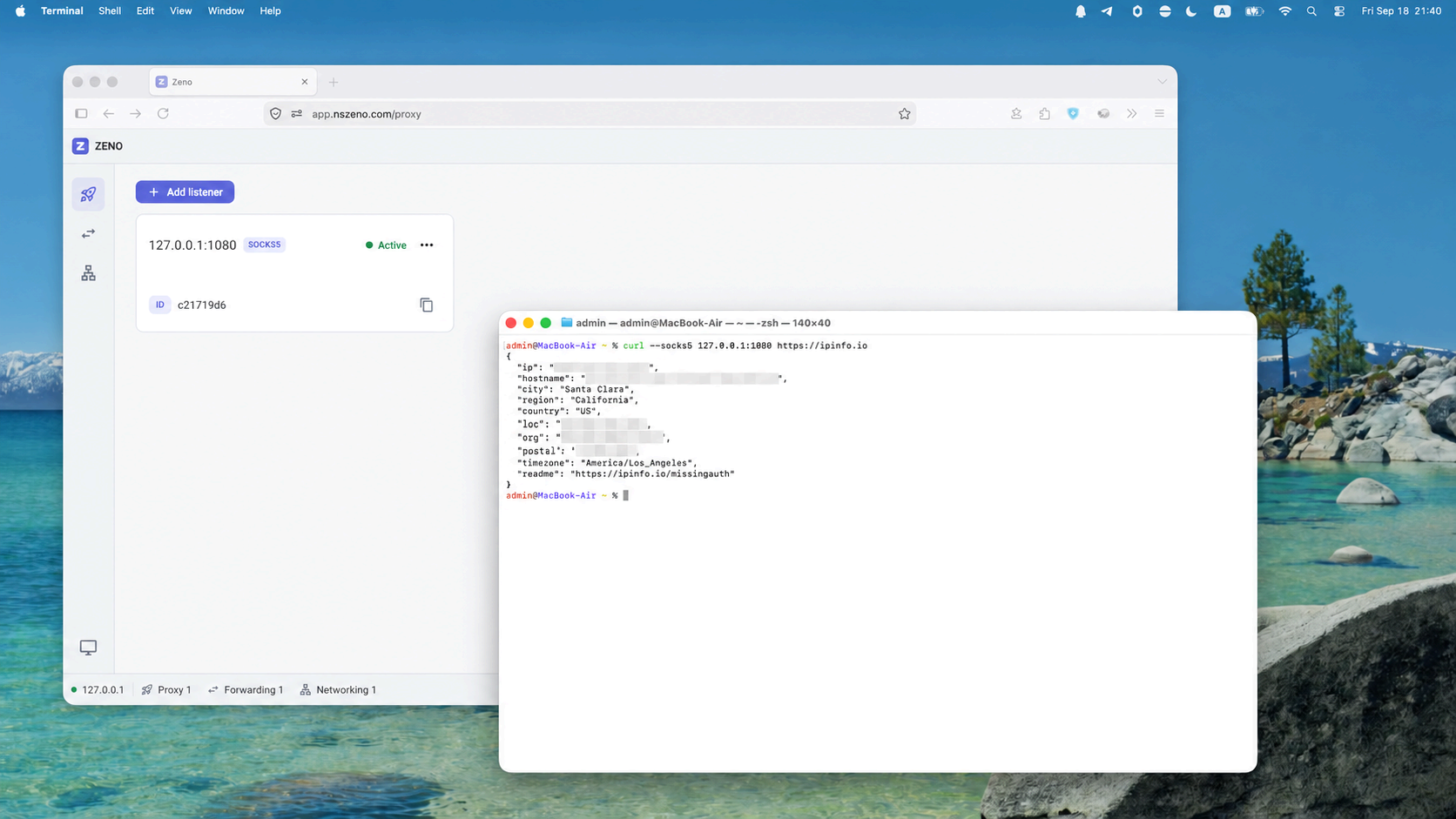
In the local host’s Proxy workspace, choose Add proxy. Enter a local listen address such as 127.0.0.1:1081 and set Exit Peer ID to the remote device’s Peer ID.
03
Configure your application
Set the application’s SOCKS5 proxy to the configured listener, for example host 127.0.0.1 and port 1081. Only applications configured to use this proxy send their traffic through it.
04
Check the connection
Check the proxy state in the dashboard. If it fails, confirm that the exit peer is online, the local port is available, and the target is reachable from the exit device.