01
Choose a gateway
Install Zeno on both devices. Select a device to be the gateway and copy its Peer ID. Choose an IPv4 subnet that does not conflict with your existing local networks.
02
Configure the gateway
In Networking, choose Add network and select Gateway mode. Enter a local CIDR address, for example 10.77.0.1/24. This example gateway address will also be used by connected devices.
03
Connect another device
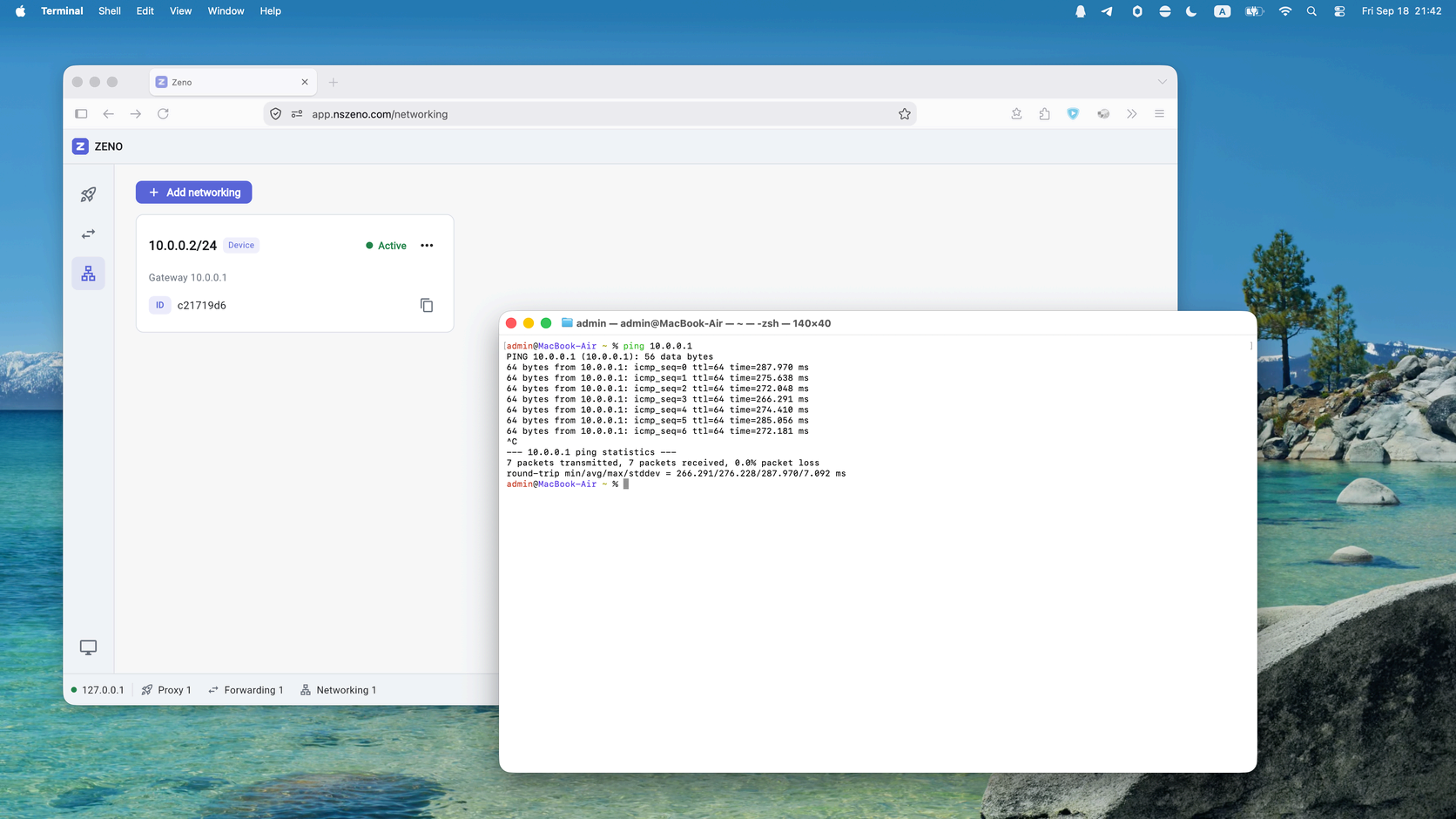
On the other device, add a network in Device mode. Set its local address to a different address in the same subnet, for example 10.77.0.2/24. Set the gateway to 10.77.0.1 and enter the gateway device’s Peer ID.
04
Check reachability
Verify the configuration state, system network permissions, and routes. Test access to the gateway’s virtual address first. Access to resources beyond the gateway also depends on that device’s network and routing configuration.