01
Identify the service
Choose a TCP or UDP service that the remote device can reach. The remote target address is interpreted from the exit device’s network, not from your local device.
02
Add a forwarding mapping
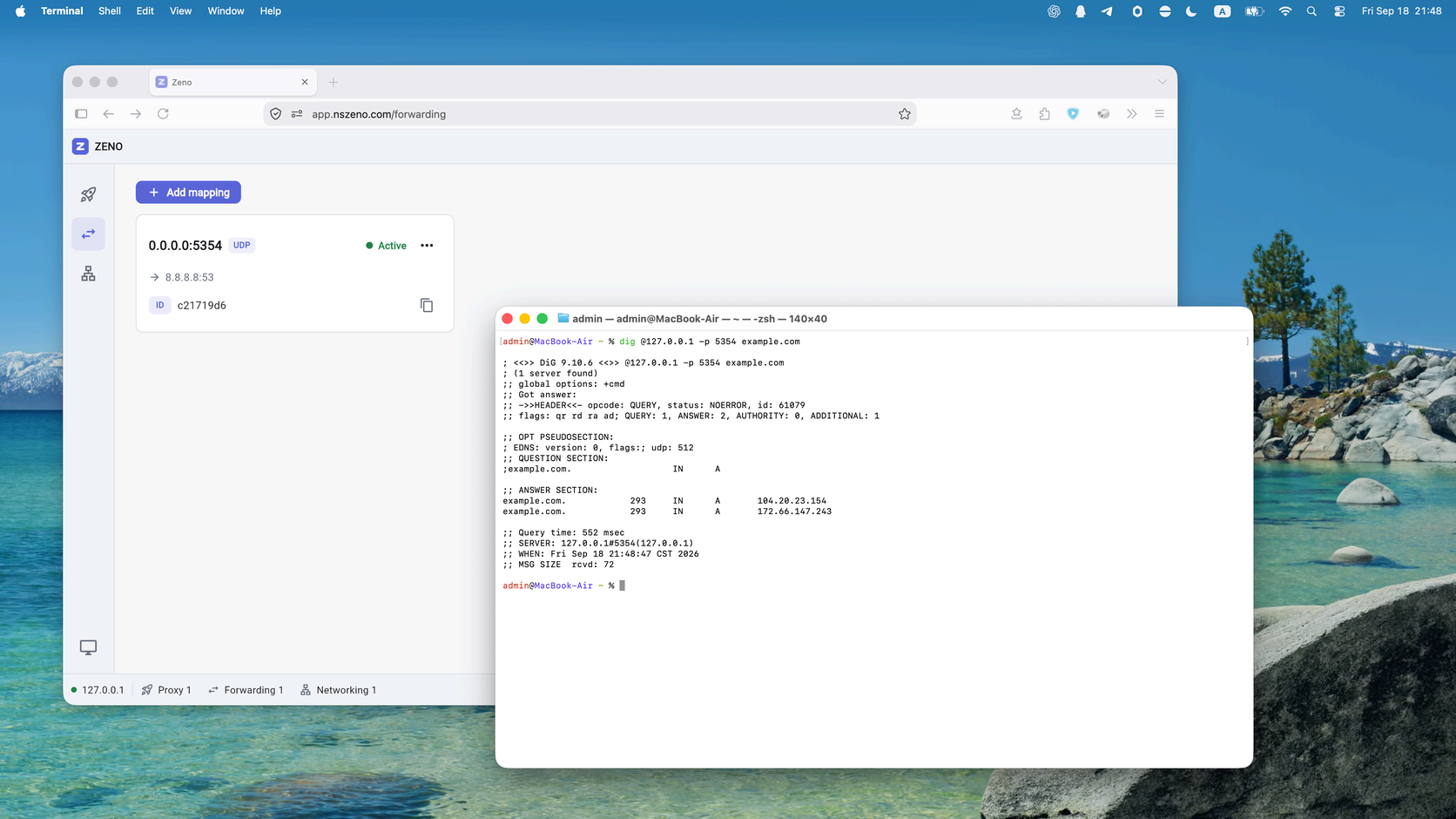
Open Forwarding on the local host and choose Add port forwarding. Select TCP or UDP, specify a local listen address, and enter the exit peer’s Peer ID and the remote target address.
03
Connect to the local listener
For an illustrative TCP mapping, a listener at 127.0.0.1:8080 can forward to 127.0.0.1:80 on the exit device. Your application connects to the local listener; Zeno connects to the target from the exit peer.
04
Troubleshoot the mapping
Confirm that the selected protocol matches the service, the listening port is available, and the target address and port are reachable from the exit peer. Keep a listener on loopback when only local applications need access.